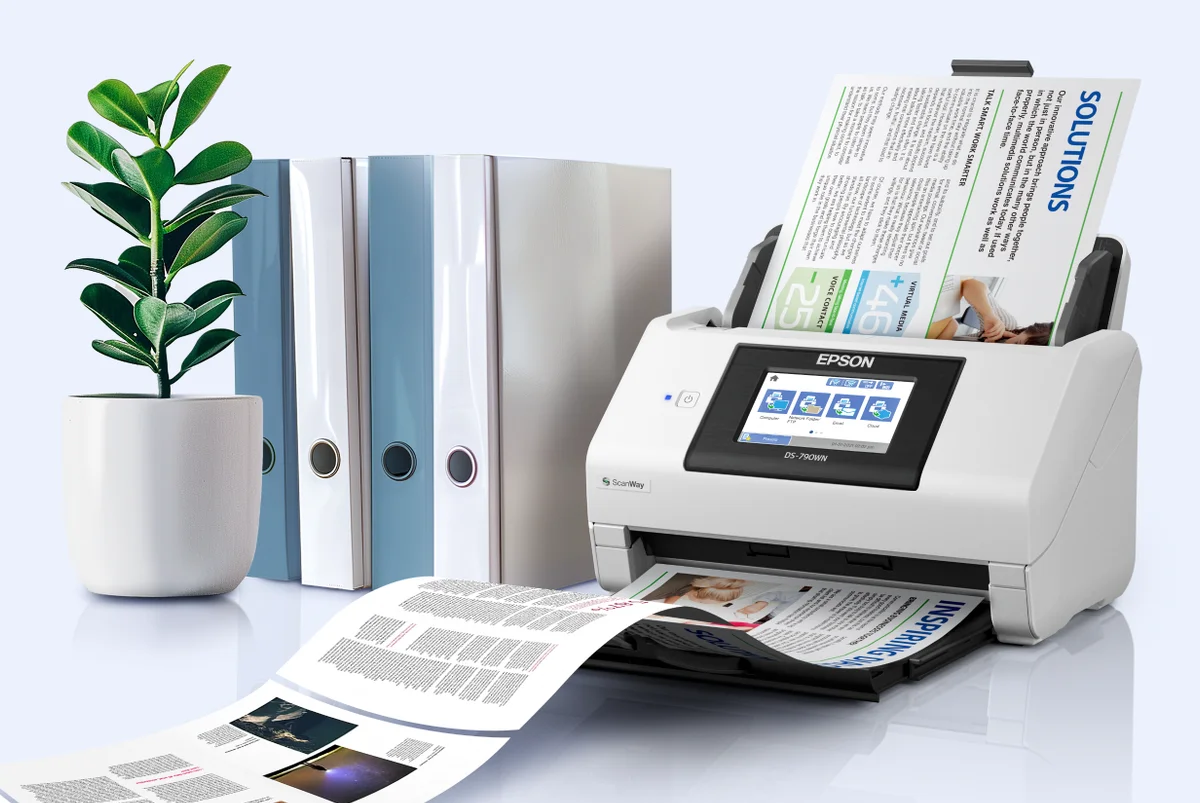
Epson Philippines unveils the Document Capture Pro. The device can easily help businesses move information from paper into digital systems, allowing teams to manage documents with less hassle and more consistency.
Even in modern offices, physical documents like invoices, contracts, and forms still play a big role. These often require scanning, naming, sorting, and sharing before they’re useful. Document Capture Pro works with Epson DS series scanners to streamline this process, letting organizations build structured workflows that cut down on repetitive steps.
The software supports up to 30 customizable scan jobs, depending on the device. Teams can set workflows for common documents, apply consistent settings, and save time. Built-in optical character recognition (OCR) converts scanned pages into searchable text, making it easier to find and reuse information.
Document Capture Pro also supports multiple formats including JPEG, PDF, TIFF, PNG, DOCX, XLSX, and PPTX. With OCR, scanned files can be turned into editable Word, Excel, and PowerPoint documents. This is especially useful for educators, trainers, and teams creating reports or presentations, since they can update layouts and content without starting from scratch.
For organizations handling large volumes of paperwork, the software can automatically separate files using conditions like blank pages, barcodes, or form type. Captured documents can then be routed to cloud services such as Google Drive and Microsoft OneDrive, creating a smooth path from scanning to storage.
Also Read: Epson brings print and projection solutions to schools
By connecting paper-based workflows with digital platforms, Document Capture Pro helps businesses reduce repetitive tasks and improve access to everyday information.
For more information about Epson Document Capture Pro, visit the Epson Philippines website.