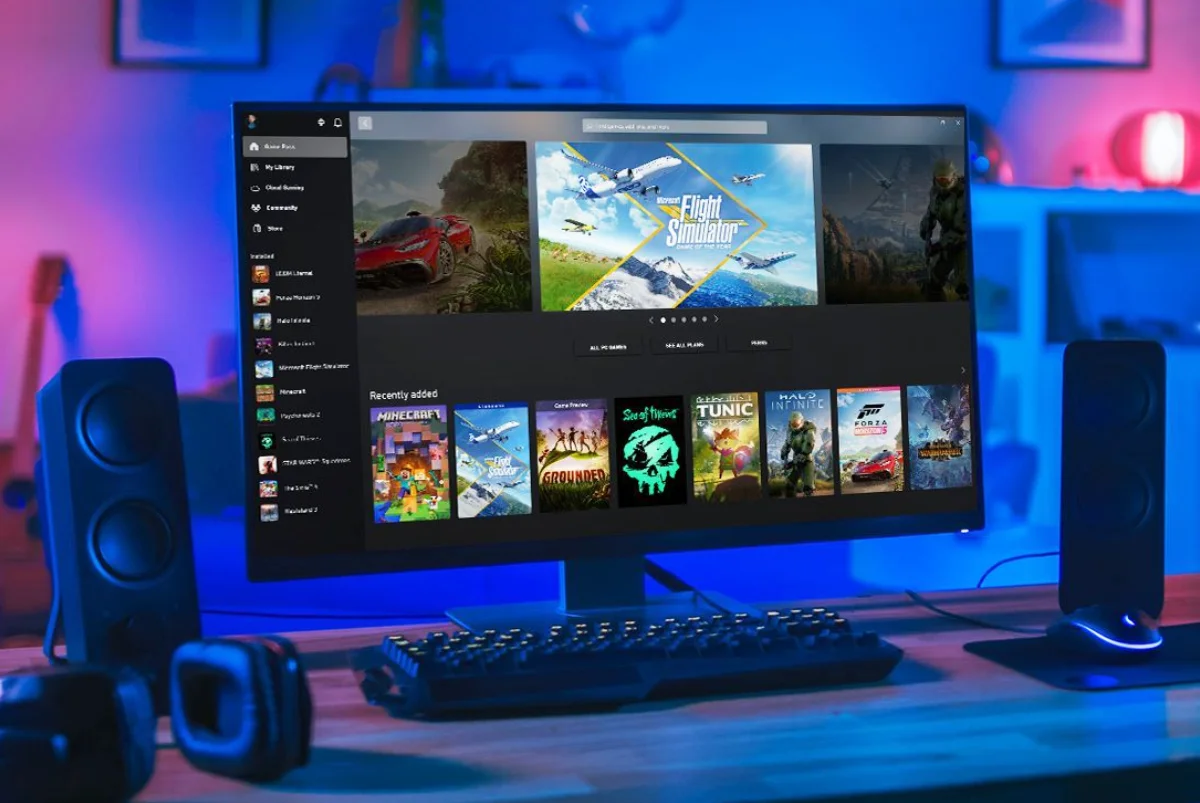
Microsoft has updated the Xbox PC app with a new feature that lets you manually add games and apps to your library. This means you can now include titles from Steam, Epic Games Store, GOG, emulators, or even non-gaming software, all inside the Xbox interface.
To use it, open the Xbox PC app and go to “My Library.” Click the “+” icon on the top right, then choose from suggested apps or browse your computer for the file you want to add. Once imported, the game or app will show up in your library and can be launched directly from the Xbox app.
You can also edit details like the name, launch path, command line arguments, and artwork. This makes the app more flexible, especially for those using handheld gaming PCs like the ASUS ROG Ally, where switching between different launchers is a hassle.
Steam has long offered a similar shortcut feature, but this update brings the Xbox PC app closer to being a universal launcher. It still relies on executable files, so it’s not as broad as Steam’s system, but it’s a welcome step for gamers who want all their games in one place.
Also Read: Microsoft scales back Copilot in Windows 11
Opening up the app to third-party titles and software makes the Xbox ecosystem more practical and user-friendly. For gamers with large libraries spread across different platforms, this could make daily use a lot simpler.
Source: 1
Featured photo: Xbox