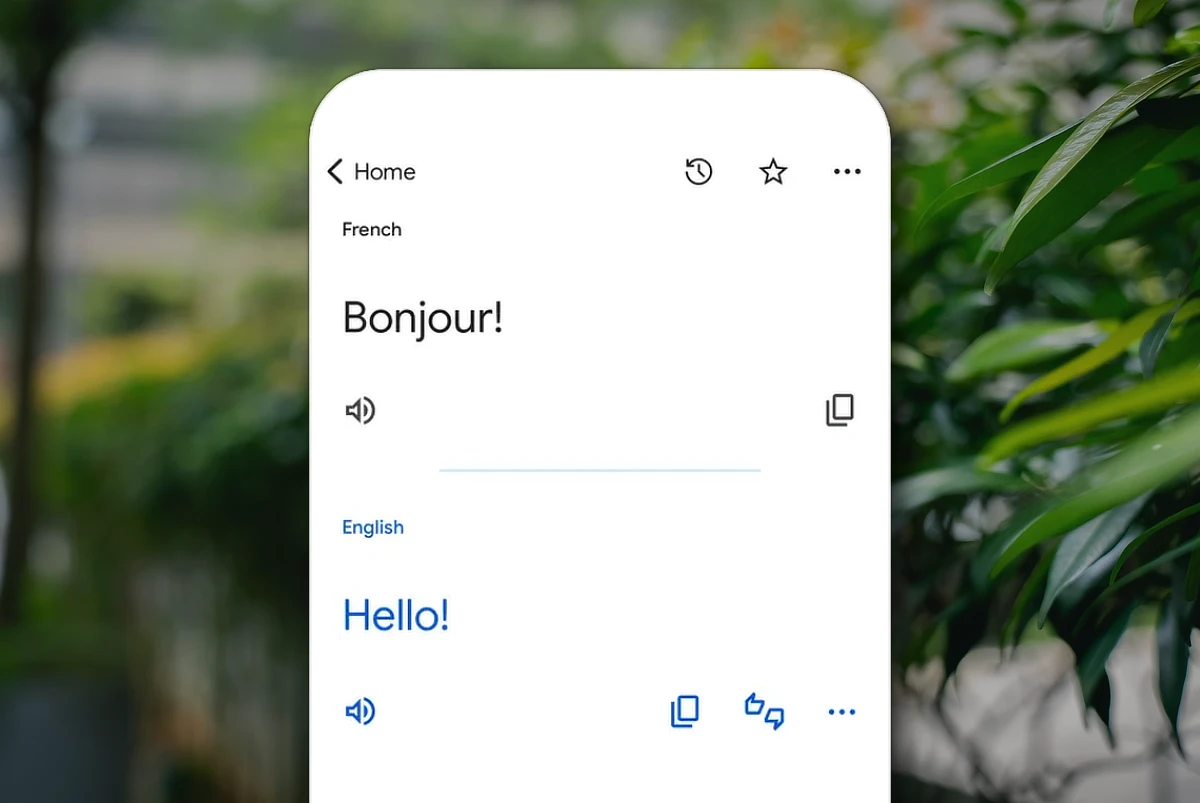
Google Translate just hit its 20th year. What started in 2006 as an AI experiment now supports around 250 languages and 60,000 language pairs. It covers 95% of the world’s population and processes about a trillion words every month across Google’s services.
To celebrate, Google rolled out a pronunciation practice feature. It’s available in the US and India for English, Spanish, and Hindi. The tool uses AI to give instant feedback, making it easier for users to practice and build confidence when speaking.
Translate’s tech has gone through big changes. It started with statistical machine learning, switched to neural networks in 2016, and now runs on Gemini models with advanced TPUs. This powers live translation with headphones, keeping tone and cadence intact. A third of sessions last more than five minutes, showing people use it for real conversations.
Offline and visual translation are still key. You can download languages for travel, with English, Spanish, Arabic, and Chinese among the most popular. Google Lens also overlays translations on menus and signs, making it handy for everyday use.
The most common language pair is English–Spanish, followed by Indonesian, Portuguese, Arabic, Turkish, and Indian languages.
Also Read: Gemini app now lets you create files in chat
Translate now handles slang, idioms, emojis, and even ASL queries. But the most translated phrases remain simple ones: “Thank you,” “How are you?,” and “I love you.”
In two decades, Google Translate transformed from a simple text tool to a global service that connects people.