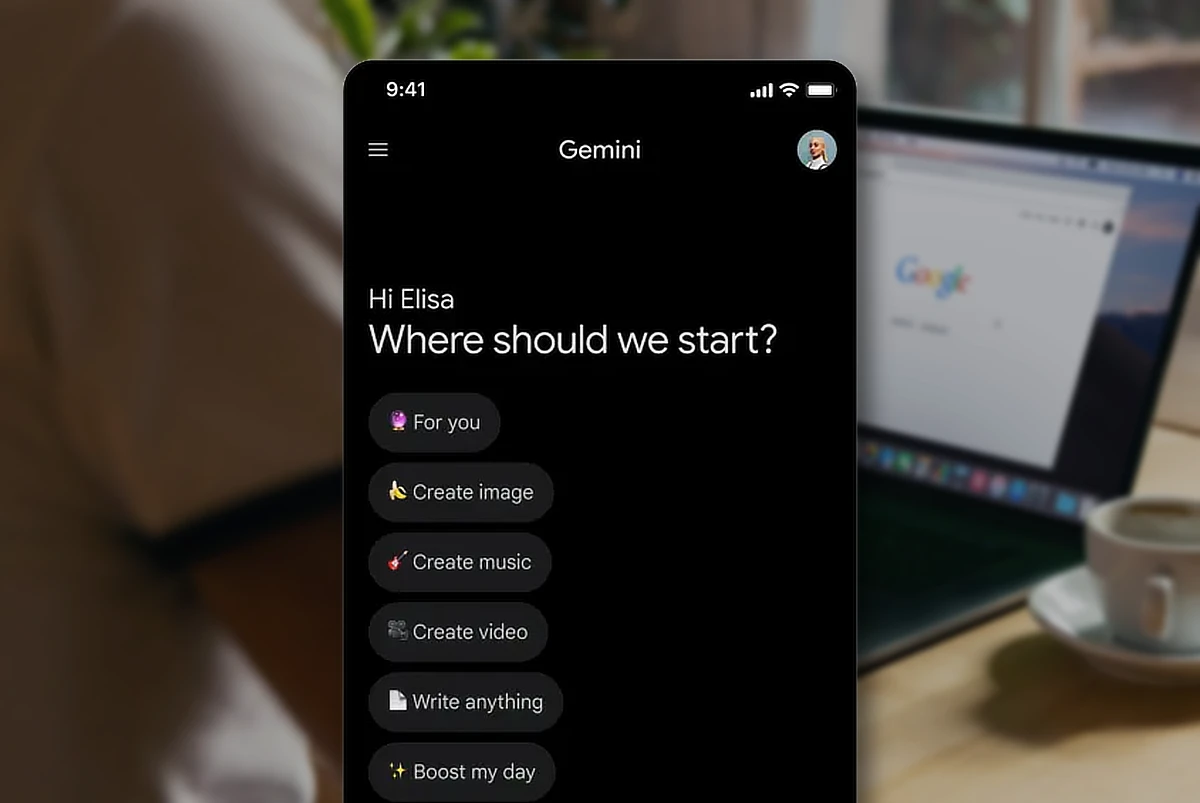
Google just rolled out a new feature for the Gemini app that lets you create files straight from a prompt. No need to copy, paste, or reformat. You can now generate documents, spreadsheets, presentations, and more from inside the chat.
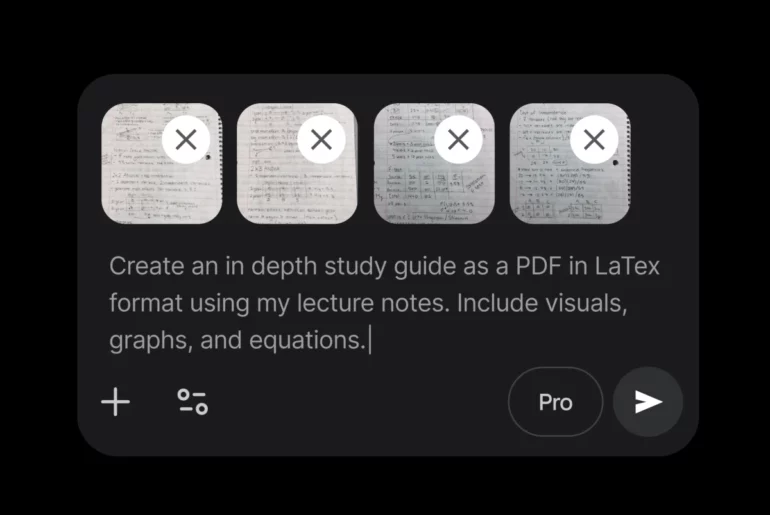
The app supports a wide range of formats, including Google Docs, Sheets, Slides, plus PDFs, Word, Excel, CSV, LaTeX, TXT, RTF, and Markdown. Once generated, files can be downloaded to your device or exported directly to Google Drive.
This update is meant to make your workflows simpler. You can quickly export a budget proposal to Excel, turn ideas into a bulleted draft, or consolidate notes into a single-page PDF. You can even convert handwritten notes into other files, such as a PDF. It’s a small change, but it cuts down the extra steps when moving work across apps.
The feature is already live for all Gemini users worldwide. Using it is straightforward: Just tell Gemini what kind of file you need, and it will create it in the format you choose.
Also Read: Gemini now lets users import preferences and chat history from other AI apps
The update is part of Google’s push to make Gemini more than just a chatbot, alongside recent updates like Gemini Drops, personalized image creation, and Mac availability.