
Rovio just announced that the popular iPhone and Android game Angry Birds is now available on Google Chrome. I just checked on my Chrome and discovered that the game can now be downloaded for free.
Here’s the steps to download and install the game on your Chrome browser.
1. On your Chrome browser, go to chrome.google.com/webstore. You will be brought to the Chrome Web Store where you will see the Angry Birds app on the featured section.
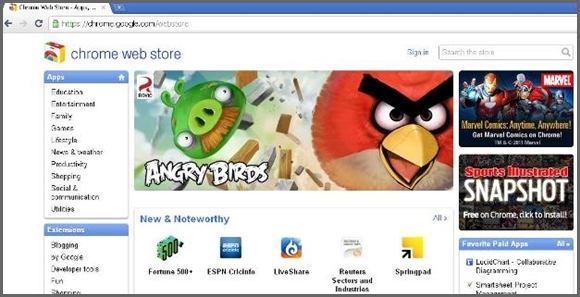
2. Click on the Angry Birds link and you will be brought to the app page for Angry Birds.
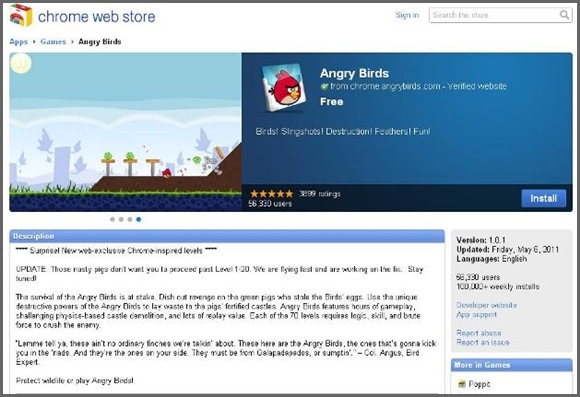
3. Look for the “Install” button and click on it. You will then be asked to log in to your Gmail account.
4. Proceed with installation after the Gmail log-in. The game as well as the Web Store app will now be installed on your Chrome Browser.
3. When you open a new tab, you will now see the icons for Angry Birds and Web Store.
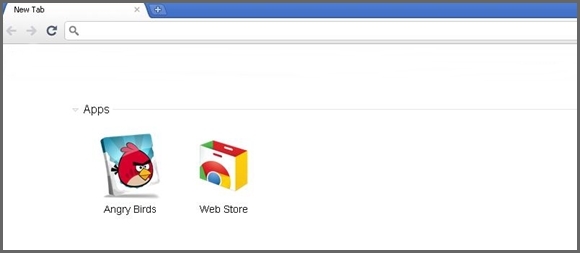
4. Click on the Angry Birds icon and wait for the game to initiate.
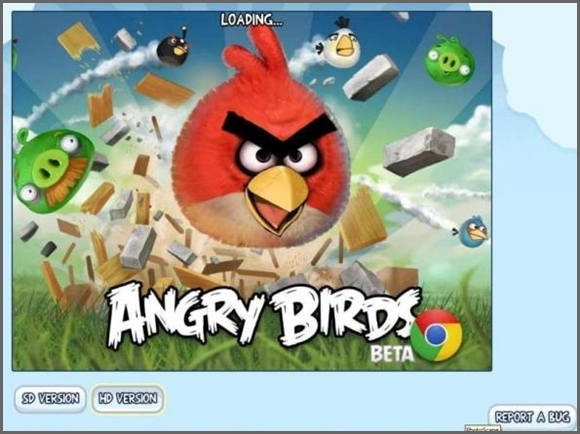
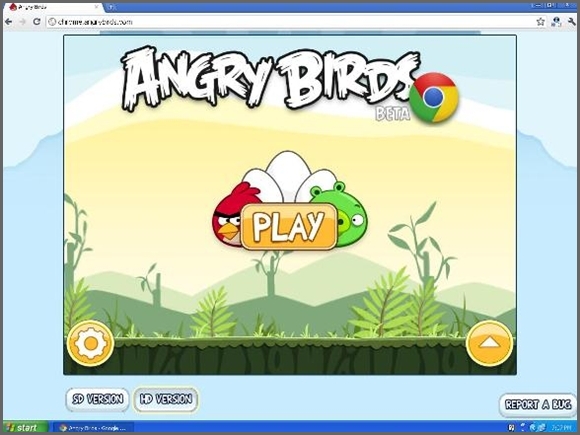
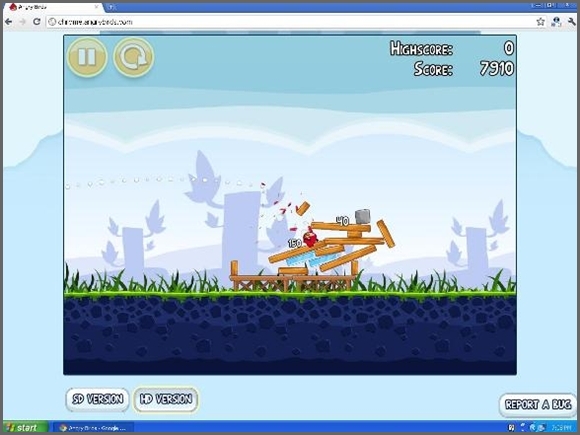
That’s it! Enjoy your Angry Birds game!





14 Comments
It’s nice group of games and it’s totally free
Installed angry birds on my PC with chrome but my mail is not Gmail.
how can I find the program or icons
cannot install angry birds game because the application has failed to start because the application configuration is incorrect
I can’t start the game. Why is that?
try relaunching the browser
Is there going to be seasons and rio for chrome too ?
can some1 help me i click new tab and i see nothing except for my websites iv been on i dont c the game
there should be a button for apps when you click a new tab
The Chrome-based app is still buggy and lags quite often. I hope they fix this.
same experience
Can we play it offline?
Not that I have tested it, but many sources say that it CAN be played offline!
http://chrome.angrybirds.com/ to play on other browsers :))
thanks for the tip!