Persons with disabilities (PWDs) are encouraged to register for the Unified Digital PWD ID as the government rolls out a new nationwide identification system. The move aims to create a single database and make it easier to verify PWD IDs.
The new Unified Digital PWD ID comes with a unique ID number and a QR code. These help prevent fake and duplicate IDs. It also makes verification faster for businesses and government offices.
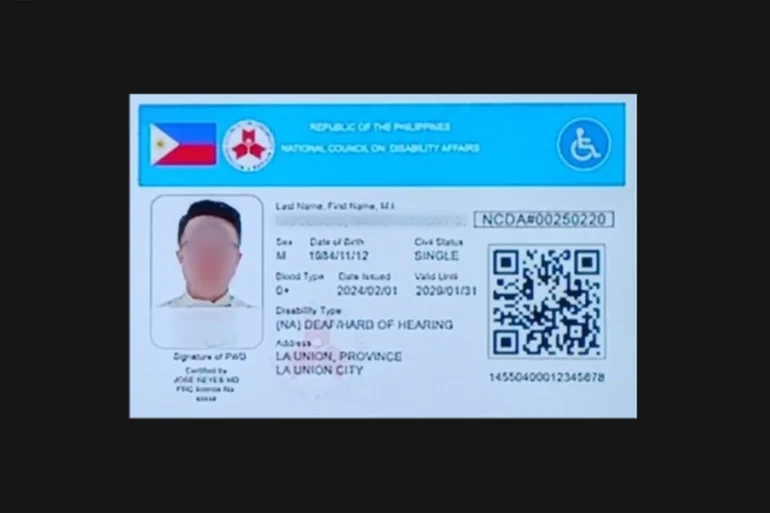
You can register at your local Persons with Disability Affairs Office (PDAO) or local social welfare office. If you have an existing PWD ID, you will be asked to sign up so your records can be transferred to the new system.
If you already have a valid and unexpired PWD ID, you generally do not need to get a new disability certificate. Local offices may still review records when needed.
For new applicants with non-apparent disabilities, a Certificate of Disability from a licensed physician or specialist is required. This document helps confirm eligibility before registration.
The new system also changes ID validity for some users. PWDs with permanent disabilities may receive IDs with lifetime validity. Those with certain non-apparent disabilities will need to update their records every five years.
More local government units are expected to adopt the system as the rollout continues. Some areas may also offer mobile or assisted registration for people who cannot easily visit registration centers.
Also Read: Unified PWD ID gets QR codes to fight fake cards
If you’re a PWD or a family member helping with registration, it’s best to contact your local PDAO for the latest requirements and schedules. Existing valid IDs can still be used while the transition to the Unified Digital PWD ID continues.
What to Bring for Unified Digital PWD ID Registration:
- Current PWD ID (for existing ID holders)
- Valid government-issued ID or other proof of identity
- Certificate of Disability from a licensed physician or specialist (for new applicants with non-apparent disabilities)
- Supporting medical documents, if required by your local PDAO
- Recent ID photo, if requested by your local office
- Other documents that may be required by your city or municipality during registration
To get a Unified Digital PWD ID, you can follow these steps:
- Visit your local Persons with Disability Affairs Office (PDAO) or city/municipal social welfare office.
- Bring your current PWD ID if you already have one.
- Submit the required documents. New applicants with non-apparent disabilities may need a Certificate of Disability from a licensed physician or specialist.
- Provide your personal information for registration and verification.
- Wait for your record to be added to the unified national database.
- Receive your Unified Digital PWD ID, which comes with a unique ID number and QR code for verification.
- Keep your information updated, especially if your disability category requires periodic revalidation.
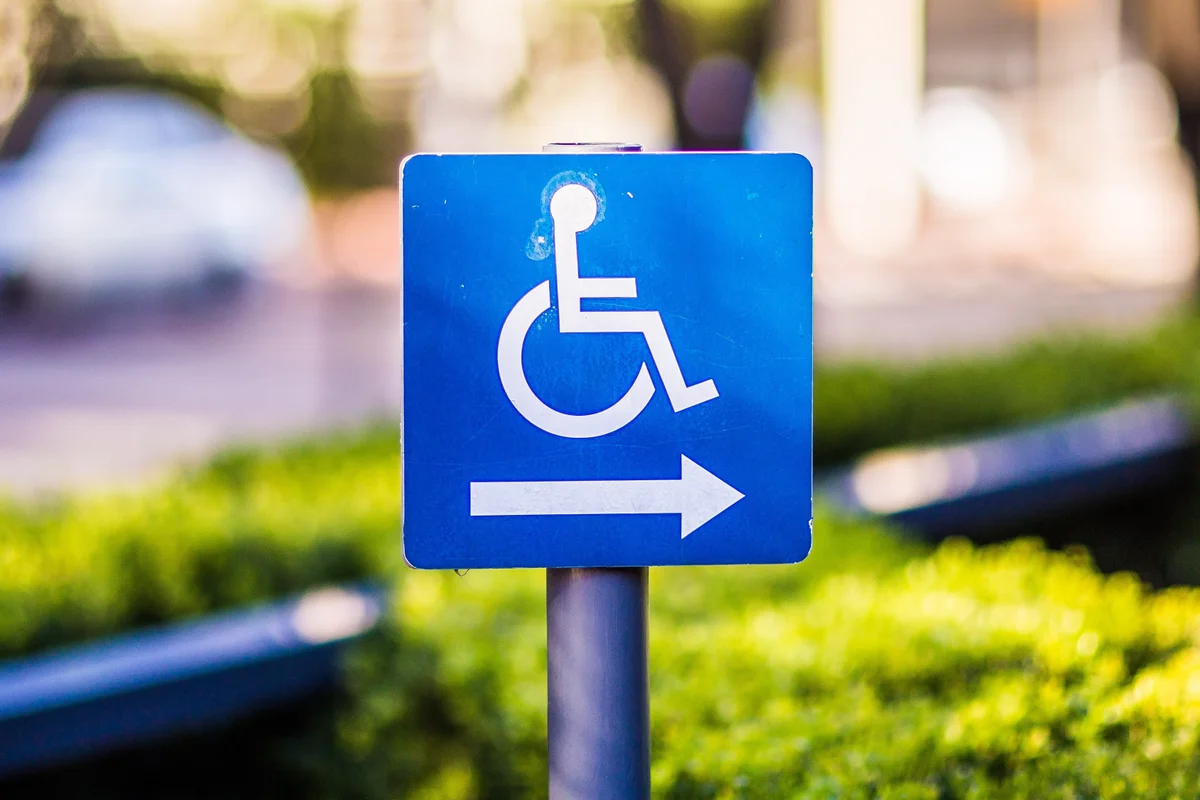
Featured photo: Pexels