
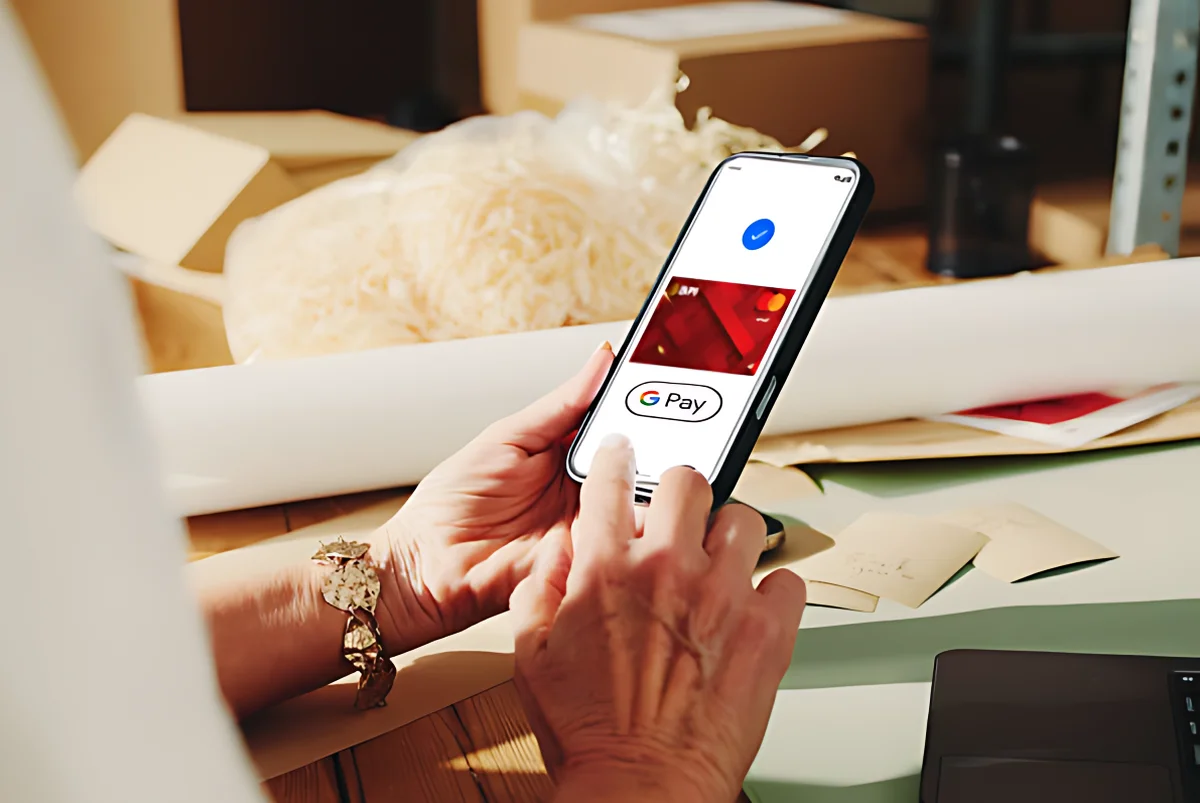
BPI now supports Google Pay, letting customers link their Debit Mastercards to Google Wallet for tap-to-pay transactions. The move makes it easier to pay in stores, apps, and online using Android phones and wearables.
The integration covers BPI Debit, Omni, and Free+ cards. Once added to Google Wallet, you can use these cards instantly at contactless terminals and for faster online checkouts. Security is built in, with authentication, encryption, and fraud protection to keep transactions safe.
The service uses multi-layered security, so card details are never shared with merchants. Enrollment requires a one-time SMS password for verification. BPI says this complements its other digital payment channels like QR code scans
How to enroll your BPI card
- Download and open the Google Wallet app on your NFC-enabled Android phone.
- Tap “Add a card” and select “Payment card.”
- Scan your card with the camera or enter details manually.
- Agree to Google Pay and BPI’s Terms and Conditions.
- Verify your card with the SMS one-time password.
- Once verified, your card is ready to use.
Clients can use Google Pay anywhere contactless payments are accepted. This includes stores with contactless payment terminals, mobile apps that support Google Pay, and websites offering Google Pay at checkout.
BPI is also reminding customers to keep PINs and passcodes safe to avoid fraud. The bank sees this rollout as part of a wider shift in Southeast Asia toward cashless payments.
Also Read: GCash can now be connected to Google Pay: Here’s how to do it
Next, expect Apple Pay support soon, as more banks add integration. Google Pay itself launched in the Philippines last November.
