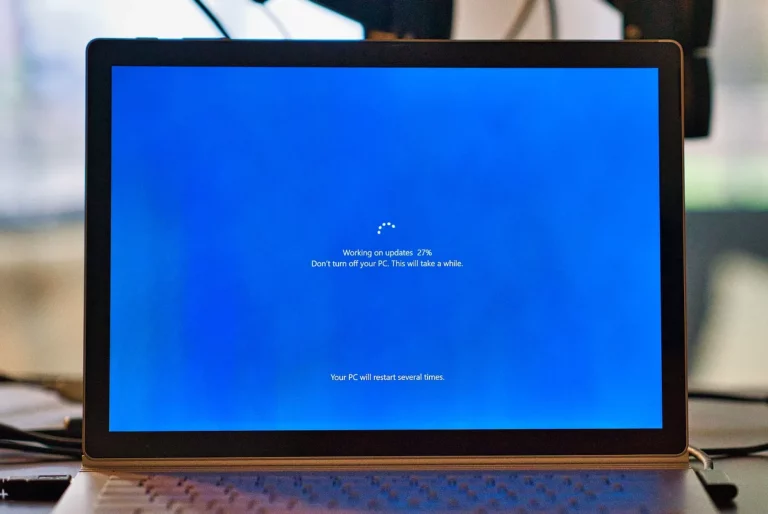
Microsoft released the optional Windows 11 KB5089573 update, pushing PCs to Build 26200.8524. It’s available through Windows Update or as a direct download from the Microsoft Update Catalog, with hefty file sizes of about 5.3GB for x64 and 4.8GB for ARM64.
The update introduces a Low Latency Profile, which briefly boosts CPU frequency when opening menus or apps. This makes the system feel more responsive in everyday use. Microsoft says app‑level boosts will roll out later.
Another highlight is Shared Audio Support, letting two Bluetooth LE devices stream audio at the same time. It requires compatible hardware and the latest build, but it’s a welcome addition for users who want to share music or calls.
The new Multi‑App Camera feature removes the old limitation that forced users to close other apps when using the camera. A basic camera mode is also included for troubleshooting.
KB5089573 improves accessibility and system stability as well. Magnifier works better with screen readers, Task Manager now shows detailed NPU usage, and Windows Hello reliability has been improved. Search prioritizes local results, while fixes address issues with USB4 docks, File Explorer, and Clipboard.
Also Read: Windows 11 update adds Shared Audio for two BT devices
Since this is a preview update, it won’t install automatically unless the “Get the latest updates” toggle is enabled. Microsoft is also gradually rolling out personalization options for the Start menu while continuing to refine Windows 11’s responsiveness.