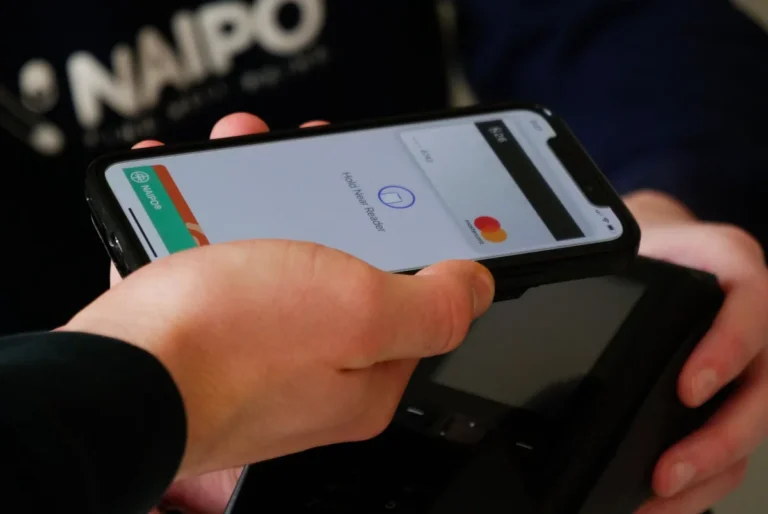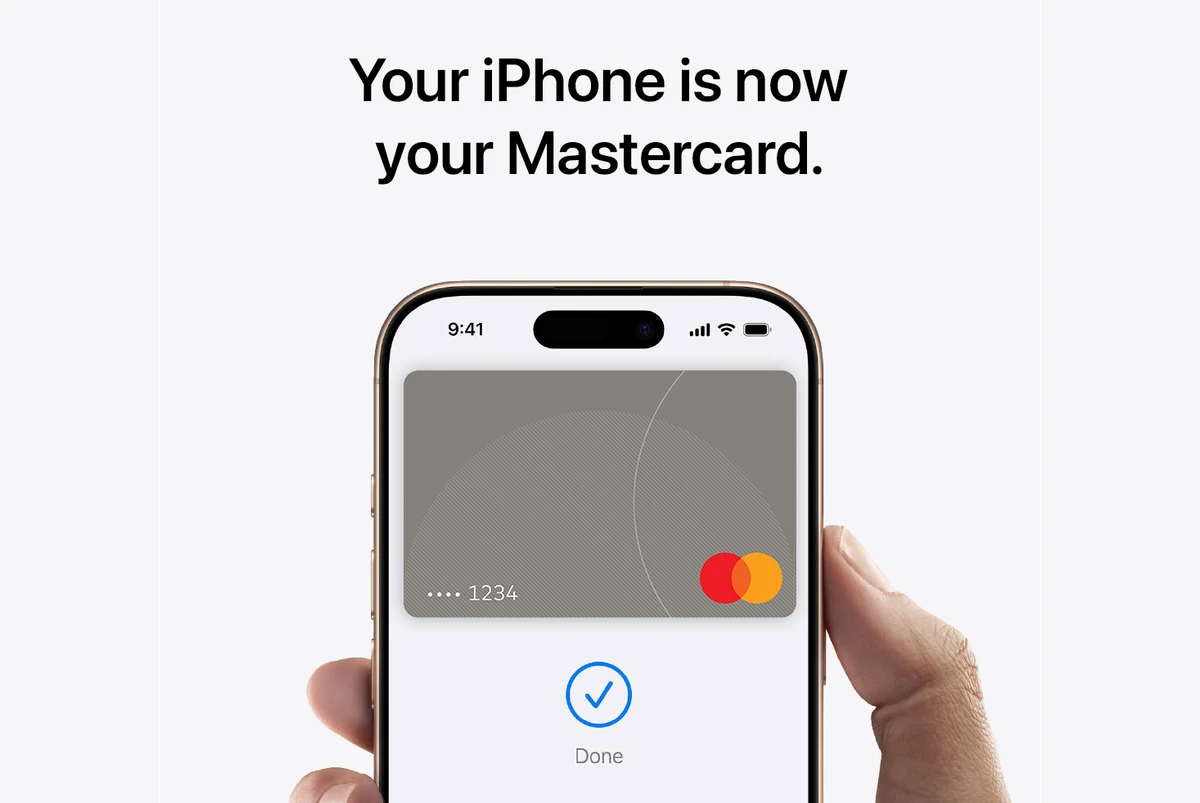
Mastercard brings Apple Pay to the Philippines, giving customers a faster and safer way to pay using their iPhone, Apple Watch, iPad, or Mac. The rollout lets users make contactless payments at stores, restaurants, and other places that support tap-to-pay.
To pay, just double-click the side button, use Face ID, Touch ID, or a passcode, and hold the device near the payment terminal. Each transaction uses a one-time security code, keeping card details private.
Apple Pay also works for online and in-app purchases, so users don’t need to type card numbers or shipping details. It’s built for convenience and privacy.
Card numbers aren’t stored on devices or Apple servers. Instead, Apple Pay assigns a unique encrypted Device Account Number stored safely in the Secure Element chip.
Setting up Apple Pay is simple. On iPhone, open the Wallet app, tap the “+” icon, and add a Mastercard credit or debit card. Once verified, users can start paying right away and keep earning Mastercard rewards and benefits.
Also Read: Apple Pay is now available in the Philippines
Early reports confirm that several local banks are already working with Apple Pay, including Metrobank, Chinabank, Unionbank, and GotTyme Bank. Expect more names in the coming days.
Apple Pay is accepted at grocery stores, pharmacies, coffee shops, and retail outlets nationwide.
How to add a card to Apple Pay
- Open the Wallet app on your iPhone.
- Tap the Add (+) button.
- Choose Debit or Credit Card.
- Scan your card with the iPhone camera or enter details manually.
- Follow your bank’s verification steps, which may include SMS, phone call, or app confirmation.